Claiming your company gives you full control over how your business appears on ensun.
Manage and update your company information
Add missing details to improve your supplier profile
Showcase your services, expertise, and online presence
Ensure your profile accurately represents your company
A claimed supplier profile helps you present your business professionally and keep your information up to date.
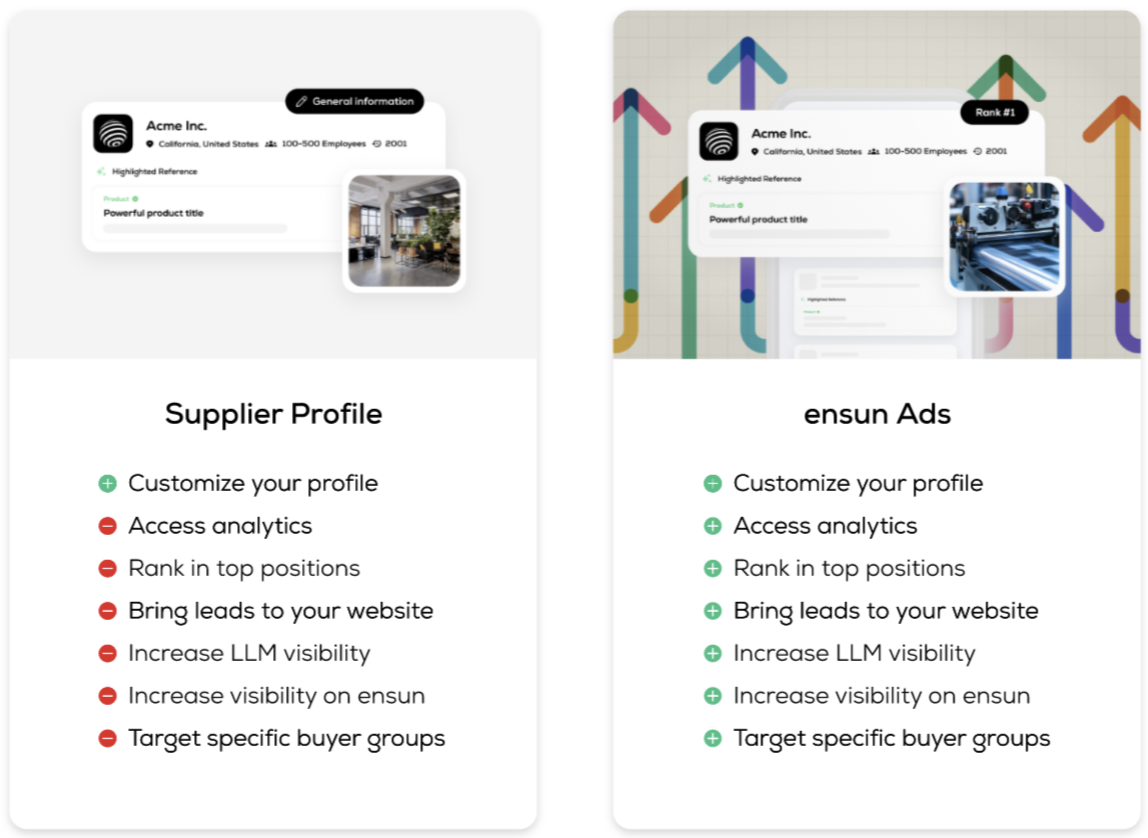
Claiming your profile does not guarantee ranking for specific keywords
ensun’s algorithm determines relevance based on multiple factors (website quality plays a key role)
The only way to actively influence rankings is through ensun Ads
You can claim your company via the claim page:
https://app.ensun.io/provider/claim
Simply enter your company website URL to get started. Please note that we only support company claims for secure URLs (HTTPS). URLs using HTTP are not supported.
Regardless of whether a profile already exists or not, you’ll be asked to provide the following information during the claim process:
Company name
Location
Founding year
Number of employees
Industries
Tags (keywords describing your company)
Description (minimum 100 characters)
Optional, but highly recommended: Logo (.jpg or .png, max. 2 MB)
You must confirm:
“I am authorized to claim this company and manage its information.”
Once your claim is successful:
You get full access to your company profile
You can edit and update all company information
Missing details can be added at any time
Revenue
Certifications
Online presence (e.g. LinkedIn, Twitter, Facebook)
Products & Services
You can also preview how your profile appears to others.
Claiming a profile means you are responsible for keeping it up to date.
Information is not updated automatically to avoid overwriting your custom content.
You can locate your company in two ways:
Use Search and enter this query: name:yourCompanyName
Use Lookalike search:
Enter your website URL
Click search
Open your profile from the results list
Note: ensun offers a keyword-based search. To better understand your visibility, try searching for terms that describe what your company offers.
New or updated profiles typically appear in search results within 2–3 days.
Google Maps data, FAQs, and ESG scores are generated automatically
You cannot claim multiple companies with the same email address
If your domain has changed, contact: [email protected]
